5 Samsung Galaxy Features You Should Be Using After Updating to One UI 9
Samsung's One UI 9 brings practical daily refinements to your Galaxy device. From native video tracking to advanced document scanning, explore five new features you should start using today.
By Tradifox Editorial· 9 min read
This article was generated with AI from the sources it names. Report an error
Practical Refinement in One UI 9
Samsung introduced One UI 9 atop Android 17, premiering the interface during its late-summer foldable hardware launch before initiating a broader rollout to traditional flagships. While prior generations emphasized headline-grabbing generative features, this update focuses on functional day-to-day utilities across the software stack. Devices like the Galaxy S26 Ultra and Galaxy S25 Ultra now run an operating system prioritizing workflow speed, visual cohesion, and offline utility.
By dialing back experimental utilities in favor of functional improvements, Samsung has resolved lingering ergonomic pain points. The software refines everything from default media capture tools to modular layout controls within system menus. Users navigating the updated interface will discover subtle yet impactful adjustments designed to eliminate friction throughout daily tasks.
Automated Tracking with My FanCam
Among the standout media additions is My FanCam, an intelligent crop-and-track utility integrated directly into the native Samsung Gallery application. When reviewing a wide-angle video of a concert, sports match, or family gathering, tapping the Galaxy AI sparkle icon allows users to isolate a single individual. The software then re-renders the clip into a tight, stabilized tracking shot centered on that specific subject.
Crucially, My FanCam processes footage locally on the device rather than offloading video streams to remote cloud servers. Independent testing confirms the tracking algorithms perform seamlessly while the device remains in airplane mode, preserving user privacy. A registered Samsung account is required to activate the tool, but the processing overhead never compromises battery efficiency.
Hardware backward compatibility remains relatively generous across the recent flagship timeline. Beta deployment logs indicate that Galaxy S24 series handsets represent the baseline supported hardware capable of running the local tracking engine. Owners of older models will miss out, but modern Galaxy users receive a powerful editing suite without needing third-party mobile editors.
Granular Quick Panel Separation
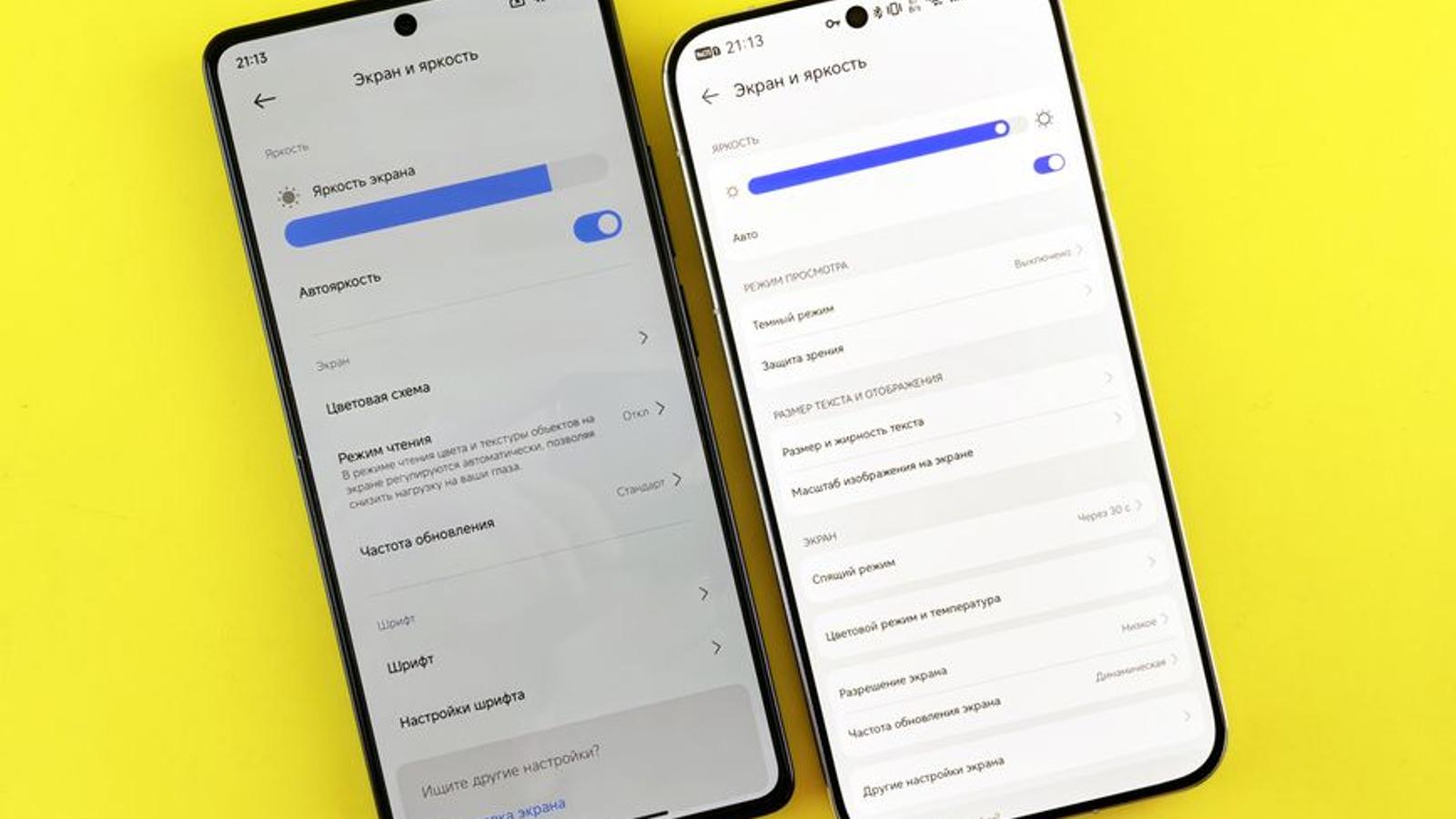
One UI 9 overhaul transforms the Quick Panel, delivering an interface that treats system volume and display illumination as completely independent variables. In previous software versions, tapping specific quick-setting toggles often bound related shortcuts together in inconvenient clusters. The updated software allows users to sever the ringer mute shortcut from the main volume slider completely.
Similarly, the persistent dark mode shortcut no longer tethers itself to the primary brightness bar. Users who prefer managing display brightness without accidentally tripping color theme profiles can separate the toggles entirely. This level of modular control ensures essential hardware adjustments respond without triggering secondary system states.
This structural division speeds up one-handed navigation when adjusting volume or luminance on the fly. Users can position their most frequently touched sliders without worrying about misplaced taps muting emergency rings or resetting screen color temperatures. It represents a subtle but significant victory for interface ergonomics.
Streamlined Quick Settings Visual Architecture
The broader visual language of the Quick Panel has also undergone an extensive decluttering pass. Samsung designers removed the bulky surrounding UI pads previously framing the brightness and media sliders, maximizing usable screen space. Additionally, rigid dividing borders encasing individual control tiles have been dissolved to create a more unified appearance.
These design changes reduce visual fatigue when expanding quick settings during multitasking sessions. By ditching heavy divider outlines, the notification shade feels lighter and cleaner, aligning with the fluid aesthetics native to Android 17. Quick setting tiles blend into the backdrop while maintaining sharp, legible touch targets.
Even micro-animations throughout the system shade exhibit smoother transitions during one-handed pull-downs. Sliding from a compact notification view into the expanded layout exhibits zero stutter, maintaining uniform frame rates across high-refresh-rate AMOLED panels.
Dynamic Media Scrubber Integration
Samsung has upgraded the Quick Panel persistent media player with an interactive waveform progress bar. Rather than relying on a static, monochrome line to indicate song playback, the software renders a fluid waveform scrubber directly below album information. The component continuously animates as tracks play across native and third-party streaming services.
To complement the visual upgrade, the waveform scrubber dynamically samples the color palette of the active album art. As songs transition from moody acoustic releases to vibrant pop records, the player hues shift in real time. This minor visual touch lends the entire lock screen and notification pulldown a bespoke, premium aesthetic.
The interactive scrubber also facilitates pinpoint playback adjustments without requiring users to launch the underlying streaming app. Dragging across the waveform feels responsive, featuring gentle haptic ticks that communicate minute position shifts accurately.
Intelligent Document Flattening
Document scanning inside the default Samsung Camera application gains significant functional upgrades in One UI 9. When users photograph paper records, receipts, or bound literature, the updated scanning engine automatically detects page curvature. The software compensates for warped text and curved margins, digitally pressing the capture flat without manual cropping.
Beyond simple warping correction, the utility recognizes physical imperfections such as dog-eared corners and folded pages. The internal algorithms mathematically straighten irregular page boundaries, producing clean, squared-off digital PDFs. This capability eliminates the need for expensive third-party scanning subscriptions when archiving physical paperwork.
Business professionals and students alike benefit from the streamlined processing pipeline. Instead of constantly readjusting desk lighting or propping books open with heavy objects, the scanner corrects perspective flaws automatically in less than two seconds.
Automated Finger Eraser and Anti-Glare Filters
Photographing bound books often forces users to hold pages down with their fingers, leaving unsightly thumbs visible in final exports. One UI 9 resolves this issue by integrating an automated finger eraser directly into the scanning pipeline. The software identifies skin overlapping paper edges and reconstructs the obscured text or background pattern cleanly.
The scanner also addresses reflective lighting issues by actively suppressing moiré patterns and harsh surface glare. When digitizing glossy magazine prints or computer monitors displaying paperwork, the processing engine strips away optical interference. The resulting scans exhibit consistent contrast without washed-out patches or pixelated screen lines.
This intelligent post-processing operates instantly behind the scenes, presenting users with an immediate preview before saving. Users can toggle finger suppression on or off depending on the complexity of the captured document, ensuring fine details remain uncompromised.
Battery and System Performance Safeguards
Behind these consumer-facing feature additions, One UI 9 integrates deeper system optimizations geared toward thermal management and sustained battery life. Android 17 background scheduling protocols have been fine-tuned by Samsung engineers to curb unneeded CPU wakeups. Background sync processes now cluster intelligently, ensuring heavy resource draws occur only when connected to power.
Galaxy devices running the updated software demonstrate tighter memory reclamation across demanding applications. Switching between intensive tasks like My FanCam video generation and large-format document exports produces negligible thermal throttling. The operating system actively protects battery longevity without degrading hardware responsiveness.
Overall stability remains remarkably consistent across supported generations. Even during prolonged multi-window sessions, app launch animations maintain uniform fluidity, underscoring Samsung's focus on foundational performance over fleeting novelty.
Enhanced Lock Screen Customization
Personalization within One UI 9 extends further into lock screen management, giving users deeper typography and layout tools. Clock faces now adjust dynamic sizing based on wallpaper focal points, shifting text placement automatically to prevent obscuring human portraits or pets. Users can assign custom color gradients to system clocks, mirroring complementary tones extracted from their backdrop images.
Widget integration beneath the lock screen clock has also expanded to support richer third-party data feeds. Commuters can view compact transit timelines, battery percentages for linked wearables, and upcoming calendar appointments simultaneously. These glanceable snippets update continuously without demanding full device unlocks.
The balance between security and customization remains intact throughout the experience. Sensitive notification contents remain hidden until biometric verification succeeds, while non-sensitive widget metrics persist safely on the ambient display.
Smarter Call and Message Routing
Communication workflows receive critical refinements aimed at minimizing unwanted spam and organizing cluttered inboxes. The native Samsung Phone app now features advanced caller identification powered by localized pattern matching. Incoming calls from unverified toll-free numbers trigger real-time contextual warnings before users choose to answer.
In the native Messages app, conversation categories now group verification codes, marketing dispatches, and personal chats automatically. One-time security passcodes display prominent, time-sensitive copy buttons that vanish once used, keeping notification bars tidy. The system also suggests automated deletion of verification texts after twenty-four hours to conserve local storage.
These automated sorting protocols operate entirely on the device without inspecting message metadata externally. As a result, sensitive two-factor authentication tokens remain private while day-to-day messaging hubs stay impeccably organized.
Maximizing One UI 9 Everyday Utilities
Transitioning to One UI 9 brings tangible enhancements that streamline everyday smartphone interactions. By mastering My FanCam tracking, reorganizing the Quick Panel sliders, and utilizing the advanced camera scanning filters, Galaxy owners can unlock significant productivity gains. Samsung has delivered an operating system update centered on dependable utility rather than experimental gimmicks.
Frequently Asked Questions About Samsung One UI 9
When did the One UI 9 update launch and which devices receive it first?
Samsung introduced One UI 9 alongside its foldables in August, followed by wider rollouts to flagship smartphones including the Galaxy S26 Ultra and Galaxy S25 Ultra.
Which Samsung Galaxy smartphone models are compatible with My FanCam?
The Galaxy S24 series is the oldest hardware line eligible for My FanCam in the One UI 9 beta. Newer flagships like the S25 and S26 lines support the tool natively.
Is a Samsung account required to run on-device AI features like My FanCam?
My FanCam requires an active Samsung account login to function. However, the tool processes tracking data entirely on-device, remaining operational during airplane mode.
Can volume and brightness controls be customized independently in One UI 9?
Yes. The One UI 9 Quick Panel allows users to detach the ringer mute shortcut from volume controls and separate the dark mode toggle from display brightness sliders.
Related articles