Google Photos vs. Gallery App: What's the Difference?
Google offers two image management apps for Android: Google Photos and Gallery. Learn the differences in cloud backup, storage limits, and AI editing to choose the right one.
By Tradifox Editorial· 4 min read
This article was generated with AI from the sources it names. Report an error
Two Distinct Image Philosophy Approaches
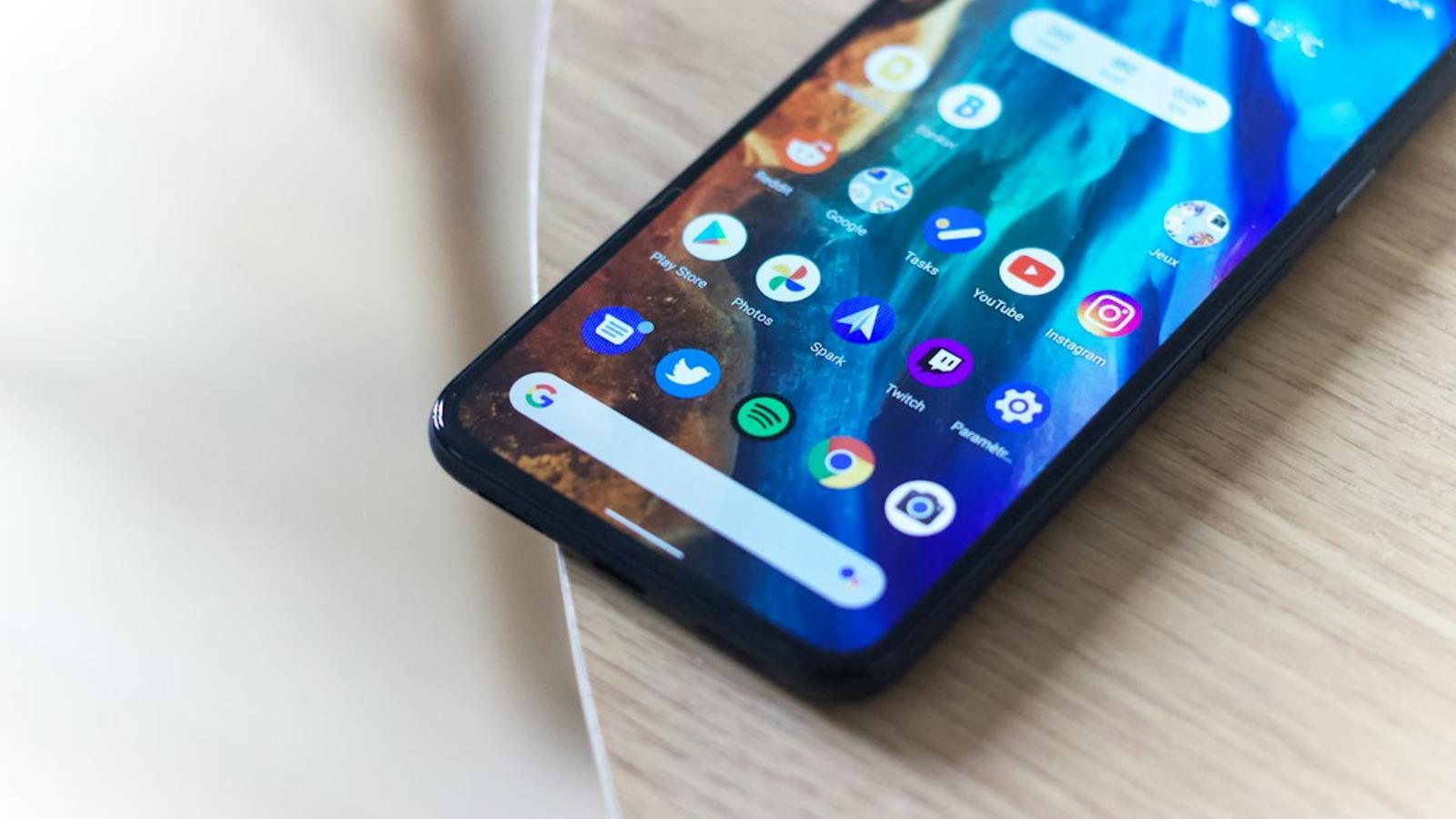
Google provides two separate first-party image management tools for Android users, each built around fundamentally different design goals. Google Photos serves as a full-featured media hub centered on continuous cloud synchronization, machine learning, and multi-device access. In contrast, Google's Gallery app offers a lightweight, minimalist alternative engineered specifically for straightforward offline management without cloud requirements.
While hardware makers like Samsung frequently bundle proprietary media software, Google's standalone Gallery app provides clean local organization free of background services. Deciding which option fits your workflow requires evaluating how each tool handles local file storage, account quotas, and editing capabilities.
Cloud Integration and Storage Rules
Cloud integration marks the clearest functional boundary dividing the two applications. Google Photos can back up your photo library automatically in the background, making files accessible across connected tablets, desktops, and web browsers. Meanwhile, Google Gallery has no cloud backup capabilities whatsoever, restricting your browsing experience strictly to files saved directly on your local device hardware.
Because Google Photos syncs media online, it remains subject to Google account storage policies. Legacy personal Google accounts retain 15GB of free shared storage, but accounts created on or after March 9, 2026, receive only 5GB by default, with an option to unlock an additional 10GB by linking a verified phone number. This pool is shared across Gmail, Google Drive, WhatsApp backups, and Google Photos.
When standard allowances fill up, expanding storage requires a Google One membership. Upgrades start at $2 per month for 100GB or $3 per month for 200GB of pooled space. Users choosing the standalone Gallery app bypass these cloud subscription models entirely, as the app operates purely offline without tapping into Google account limits.
Device Space and File Deletion Workflows
Managing physical storage on your phone differs noticeably between each environment. Google Photos includes a built-in Free Up Space On This Device utility, which scans your library and safely purges local copies of files already verified on cloud servers. This keeps your local hardware storage clear while retaining browsing access whenever an internet connection is available.
Because Gallery does not connect to remote servers, it cannot offload media to free up local space. Every picture and video visible in Gallery occupies actual physical capacity on your phone. If device storage runs out, files must be manually deleted or moved to an external drive or memory card.
File deletion rules also require careful attention to avoid accidental loss. Manually moving an image to the Trash in either Google Photos or Gallery retains it temporarily, but triggers permanent deletion across the device and linked cloud backups after 30 days. In Google Photos, deleting an image removes it everywhere simultaneously, whereas deleting in Gallery only affects local memory.
Editing Capabilities and AI Tools
Editing potential highlights another significant contrast between the lightweight Gallery software and Google Photos. Gallery restricts its editing suite to bare-bones adjustments: users can rotate, crop, and apply a small selection of simple color presets. It is intended strictly for rapid, utilitarian corrections before sharing an image.
Google Photos incorporates a comprehensive editing workspace designed for precise manual control. Users can fine-tune individual visual attributes including brightness, overall tone, highlights, shadows, sharpness, and selective depth blur. The platform also enables advanced adjustments, such as repositioning composition elements directly on the canvas.
Furthermore, Google Photos integrates machine learning features that are absent in Gallery. The app includes a one-tap retouching tool that automatically smooths skin texture, whitens teeth, and diminishes harsh under-eye shadows. These sophisticated computational enhancements require cloud processing infrastructure that the offline Gallery app simply does not maintain.
Sharing Media and Final Recommendations
Basic distribution capabilities remain uniform across both choices. Whether browsing in Gallery or Google Photos, Android users can dispatch pictures to messaging clients, attach them to outgoing emails, or upload them directly to social media apps via standard operating system sharing menus.
Choosing the right application depends entirely on your daily priorities. Google Photos suits users who want automated off-site backups, robust AI adjustments, and frictionless device migration. Gallery provides a distraction-free, privacy-conscious haven for users who prefer keeping all their files stored strictly offline on their own hardware.
Frequently Asked Questions About Google Photos and Gallery
Can you use Google Photos and the Gallery app at the same time on Android?
Yes. Google Photos and Gallery can run together seamlessly on Android. Google Photos manages automated cloud backups and smart editing, while Gallery operates strictly on-device as a fast, offline media viewer without causing system conflicts.
Does deleting a photo in the Gallery app remove it from Google Photos?
Manually sending photos to the Trash in either app deletes them from both local storage and cloud backups, with permanent erasure after 30 days. To clear phone storage safely without affecting cloud copies, use the 'Free up space on this device' tool.
How much free cloud storage does Google provide for Photos backups?
Older accounts retain 15GB of free storage across Photos, Drive, and Gmail. Accounts created on or after March 9, 2026, receive 5GB by default, unlocking 10GB more after phone verification. Extra space requires Google One starting at $2 per month.
How do the photo editing features compare between Gallery and Photos?
Gallery offers basic tools like crop, rotate, and simple filters without network reliance. Google Photos includes advanced manual sliders and AI retouching tools that smooth skin, whiten teeth, and intelligently reposition image elements.
Related articles