How to Check If Your Android Phone Is Still Getting Security Updates
Android phones do not warn you when they stop receiving security updates. Discover how to check your device's support status and keep your data safe.
· 4 min read
This article was generated with AI from the sources it names. Report an error
The Hidden Expiration of Mobile Software
Android smartphones do not alert owners when they officially reach their end of software support. A phone past its support window continues to make calls, run applications, and browse the web without displaying an explicit warning. However, beneath the surface, the device ceases to receive vital security patches, leaving sensitive personal data vulnerable to emerging exploits and unauthorized access.
Because Google maintains the core Android operating system while individual hardware manufacturers manage their own software distribution, support lifecycles vary significantly across the industry. Consumers often assume software updates are tied to when they purchased their phone. In reality, manufacturer commitments are calculated strictly from the date the specific hardware model was first released to the market.
Checking Your Current Patch Level in Settings
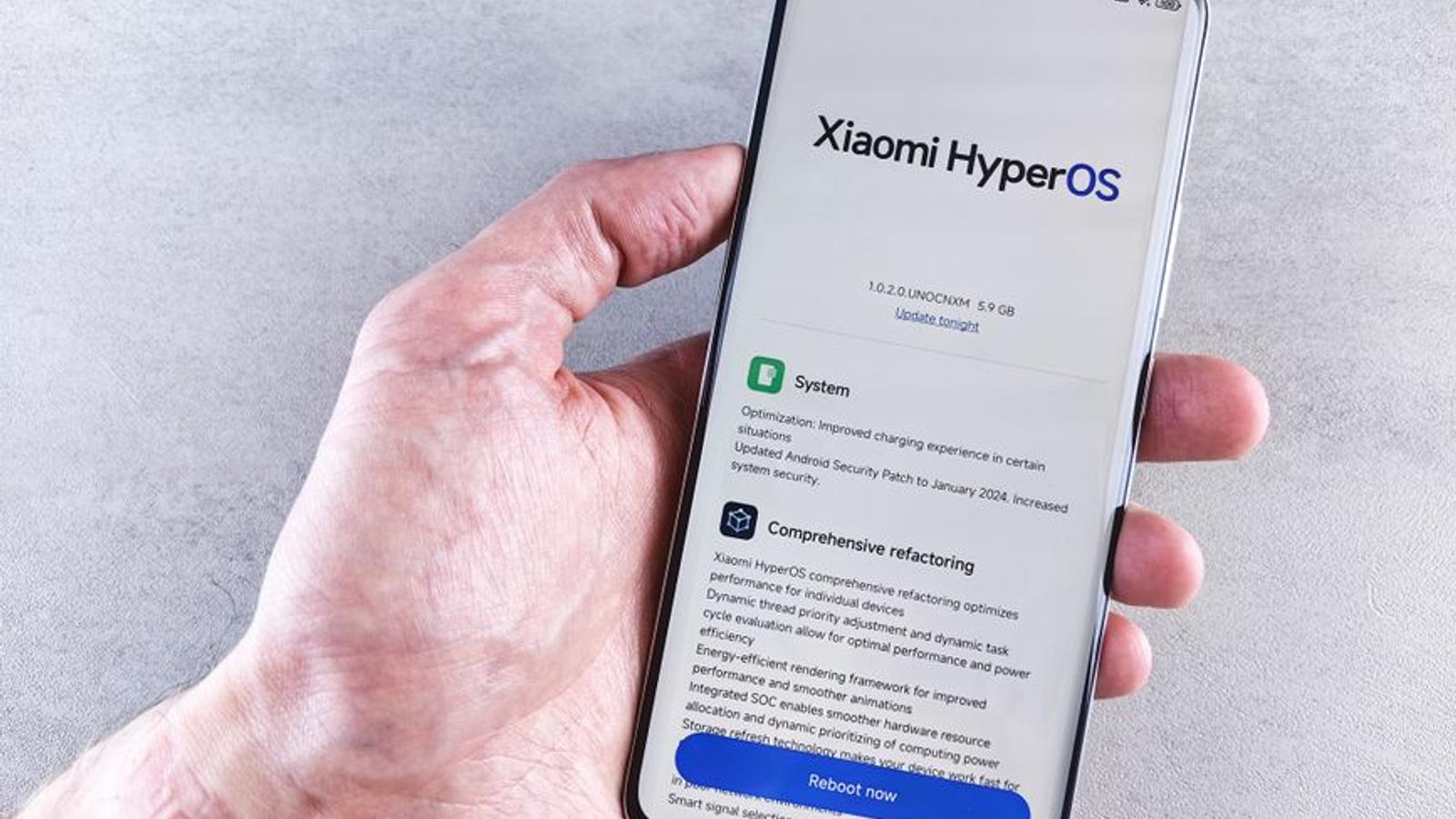
To see your device's current software standing, you can inspect the internal system settings directly on the phone. Most standard Android devices display this information under Settings > About Phone > Android Version, where you will find the Android Security Update entry. On Samsung Galaxy hardware, navigating to Settings > About phone > Software information reveals the exact security patch level currently installed.
Android devices only list the date of the most recently installed patch rather than an explicit expiration date. If your phone displays a security patch level that is older than three to six months, the device is likely nearing or has already passed its official support cutoff. Regular monthly or quarterly patches are the industry standard for actively supported models.
Google Play System Updates vs. Firmware Patches
Beyond traditional firmware updates from the manufacturer, modern Android devices rely on Google Play system updates to protect critical modular services. Found within your security or software settings, these component releases patch core functionality including media frameworks and local device connectivity independently of the full operating system.
While Google Play system updates provide valuable defenses for underlying system components, they cannot replace low-level kernel patches or vendor firmware updates. A phone that receives Google Play updates but lacks new security patch levels remains vulnerable to hardware-level and driver-level exploits.
Identifying Official End-of-Life Dates
Because device menus omit end-of-life schedules, users must consult external records to verify long-term viability. The open-source tracking platform endoflife.date aggregates verified manufacturer timetables for hundreds of smartphones across major brands. By entering your specific model, you can instantly see whether official support is active or terminated.
Manufacturer documentation provides another definitive source for hardware lifespans. Google clearly documents that Pixel 8 and newer handsets receive seven years of OS and security patches, whereas the older Google Pixel 6 Pro reaches its scheduled end of support in October 2026. Samsung promises seven years for the Galaxy S24 family and Z Fold/Flip6, four years for older Galaxy A-series models, and support through September 2033 for the upcoming Galaxy S26 FE. Similarly, OnePlus offers five years of security coverage for the OnePlus 12 and extends that window to six years for the OnePlus 13.
Shifting Regulatory Standards
Regulatory intervention is actively reshaping how phone makers handle hardware longevity. Starting in June 2025, the European Union's Ecodesign for Sustainable Product Regulation legally requires smartphone manufacturers to provide at least five years of functional and security updates for devices sold within the European single market.
This legislative shift has pushed multiple budget and mid-tier brands to extend support windows that historically ended after two years. As a result, consumers purchasing newer generations of hardware can expect significantly longer protection cycles than older budget models ever received.
Securing an Unsupported Android Device
If your phone has reached its support cutoff and an immediate hardware upgrade is impractical, several preventative measures can minimize exposure. Ensure automatic updates remain active in the Google Play Store so that third-party applications continue receiving application-level protections. Avoid sideloading APK files from unknown sources, as unpatched devices lack the operating system safeguards needed to isolate malicious software.
Enforcing two-factor authentication on all sensitive accounts adds an essential barrier against credential theft. You should also audit installed apps by removing unused software and revoking unnecessary permissions for location, microphone, and storage access. Finally, configure automated cloud backups to secure your files and avoid public Wi-Fi networks without an encrypted VPN connection.
Frequently Asked Questions About Android Security Updates
How can you tell if an Android phone has stopped receiving updates?
Android devices do not notify users when support ends; they simply stop getting updates while operating normally. A security patch older than three to six months in your system settings typically indicates the phone is no longer supported.
Do Google Play system updates protect unsupported Android phones?
Google Play system updates roll out independently from primary operating system releases. They patch critical core modules, such as multimedia and connectivity, keeping key functions guarded even if broader OS updates have ceased.
Does software support start from the purchase date or launch date?
Support lifespans are calculated from the phone's initial commercial launch date, not when you purchased it. Buying an older device brand-new from a retailer still reduces the total time remaining on its official support roadmap.
How can you keep an unsupported Android phone safe from malware?
If you must keep an outdated device, enable automated app updates via Google Play and never sideload software. Additionally, turn on two-factor authentication, set up cloud backups, and avoid public Wi-Fi networks without an active VPN.
Related articles