Common Mistakes You Should Avoid When Using Foldable Phones
Foldable phones require careful handling. Discover the most common mistakes users make that lead to device damage and how you can avoid them to prolong your phone's lifespan.
· 2 min read
This article was generated with AI from the sources it names. Report an error
Protecting the Delicate Inner Screen
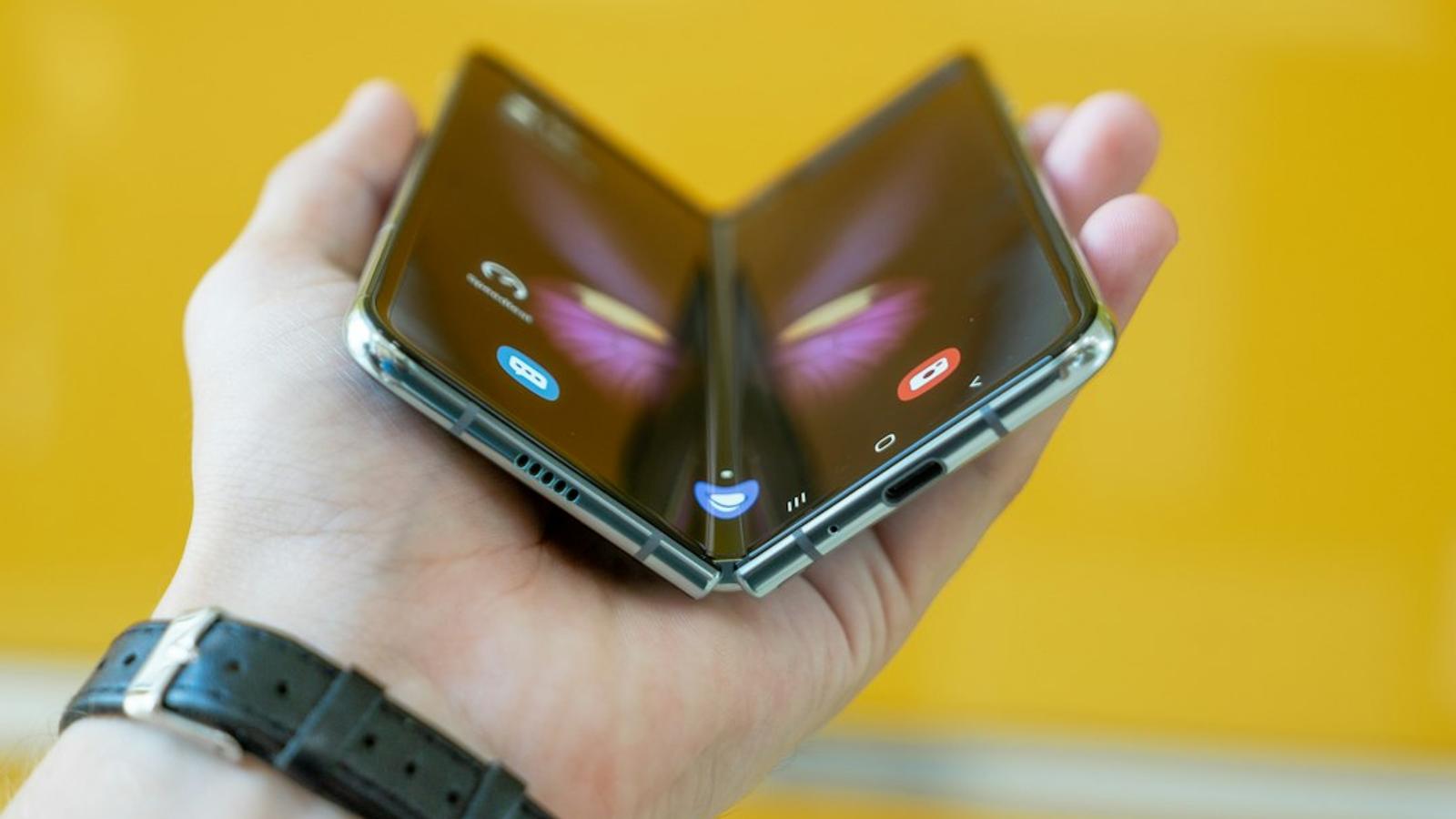
Closing the interior display over foreign debris remains one of the fastest paths to irreversible screen damage on foldable smartphones. Because foldable panels rely on flexible polymer layers and ultra-thin glass, small everyday objects like coins, keys, or cards trapped between the halves can easily puncture or crack the display assembly when pressed shut.
Concentrated pressure applied directly to the flexible panel also poses a significant danger. Many users mistakenly use a fingernail to scrape away specks of dust, which risks indenting or tearing the soft inner layers. Manufacturers such as Samsung explicitly instruct users to clean interior screens only with a dry, lint-free microfiber cloth.
A related handling error involves stripping off the pre-installed factory protective film. New owners often assume this layer is disposable shipping plastic, but removing it directly compromises structural integrity and can ruin the panel. Similarly, applying unapproved third-party screen protectors or using rigid styluses not specifically calibrated for folding screens risks gouging the sensitive digitized layers.
Environmental Hazards and Dropping Risks
Accidental drops remain the single most frequent mistake made by foldable phone owners. The mechanical complexity, shifting center of gravity, and moving hinge parts make these devices particularly vulnerable to impact shocks that misalign internal gears or shatter outer covers.
Misinterpreting ingress protection ratings also leads to costly mishaps. For instance, the Samsung Galaxy Z Fold8 and Fold8 Ultra carry an IP48 rating, meaning the chassis resists solid particles larger than 1mm but provides no certified defense against fine dust. In contrast, the iPhone Duo achieves an IP68 dust-tight rating, yet Apple specifically cautions that protective seals degrade over time through mechanical movement and daily handling.
Exposing folding devices to pocket lint, fine sand, or construction grit can force debris directly into the hinge housing, causing grinding noises and eventual failure of the internal mechanism.
Laboratory Ratings Versus Real-World Wear
Manufacturers often market hinge durability based on automated bench testing of 200,000 to 500,000 continuous folds. On paper, these laboratory tests translate to roughly 5 to 10 years of use at an average rate of 100 folds per day.
While Samsung claimed the Galaxy Z Fold7 survived 500,000 folds in laboratory trials, past durability targets have shown that automated robotic tests do not mirror real-world environments. Sterile test chambers do not account for pocket lint, sudden torsional twists, or temperature swings that accelerate wear on folding components.
Frequently Asked Questions About Foldable Phone Durability
What are the most common mistakes that damage foldable screens?
Dropping the device is the most frequent cause of catastrophic failure. Additionally, closing the display on loose items like keys or coins punctures the screen, and scratching away dust with fingernails causes deep indentations.
Can you safely remove the pre-installed screen protector?
No. The pre-installed layer is an integral structural component, not disposable shipping plastic. Peeling it off or applying unverified third-party screen protectors can permanently ruin the fragile flexible panel beneath.
Are all modern foldable smartphones dustproof and waterproof?
Resistance varies considerably. While Apple's iPhone Duo boasts dust-tight IP68 certification, the Samsung Galaxy Z Fold8 carries an IP48 rating that only blocks debris 1mm or thicker. Fine sand can still breach hinges.
How should you properly clean debris from a foldable screen?
Never use sharp objects or fingernails to scrape debris off the inner screen. Instead, gently wipe the display using a clean, dry microfiber cloth, and ensure no foreign particles remain inside the crease before folding.
Related articles