How to Stop Your Smart TV From Tracking What You Watch
Smart TVs increasingly use Automated Content Recognition to monitor viewing habits. Here's a step-by-step guide to disabling ACR and ad tracking on Samsung, LG, Roku, and more.
· 11 min read
This article was generated with AI from the sources it names. Report an error
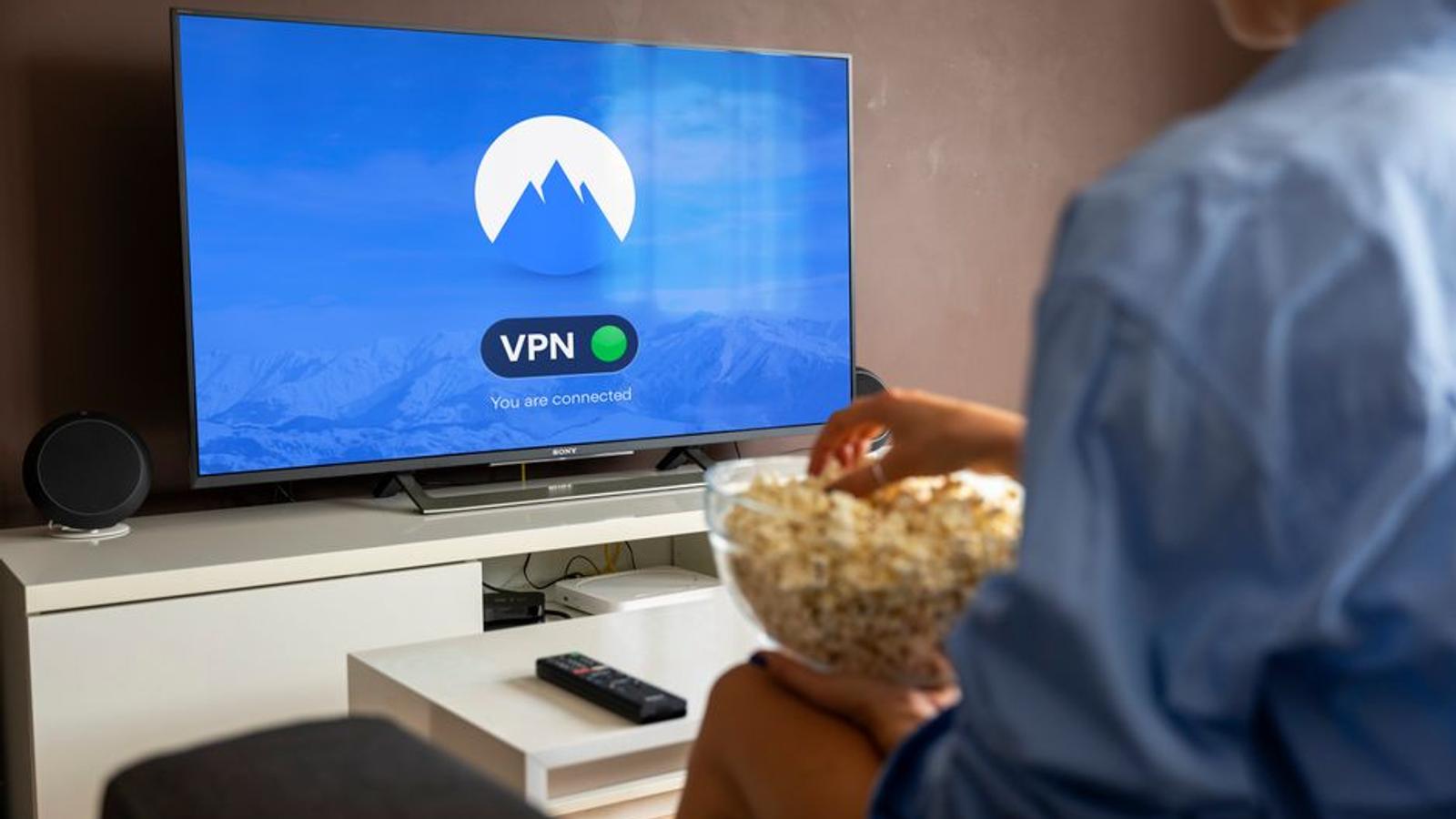
Smart televisions have evolved far beyond simple display monitors, becoming deeply integrated data-gathering nodes in modern households. Behind the sleek interfaces and streaming catalogs lies a sprawling surveillance architecture designed to monitor viewer activity in real time. Engadget reports that hardware makers routinely leverage these capabilities to build lucrative advertising engines, transforming ordinary living rooms into persistent sources of behavioral telemetry.
At the center of this practice is Automated Content Recognition, commonly known as ACR. This technology identifies visual content by taking rapid acoustic or visual snapshots of the screen, sometimes multiple times per second. By comparing these digital fingerprints against central reference databases, smart TVs can determine precisely what a consumer is watching, regardless of whether the feed originates from a cable box, streaming app, or gaming console.
The Economics of Smart TV Tracking
Manufacturers often justify the inclusion of ACR by arguing that monetization subsidizes hardware prices, keeping 4K and OLED screens affordable. However, the scale of data harvesting has grown exponentially into a standalone profit center. Analysts project the broader smart TV ACR market will reach $23.37 billion by 2034, underscoring the massive financial incentive driving manufacturers to keep tracking systems enabled by default.
A clear example of this dynamic is Vizio's Platform+ business, which generated $598 million in 2023 alone through advertising, sponsorships, and free ad-supported streaming television services. For many electronics brands, the lifetime recurring revenue generated from viewer data rivals or exceeds the profit margin on the initial physical television sale. This commercial reality explains why privacy settings remain buried inside convoluted submenus.
The scope of harvested information extends far beyond television program titles. According to Engadget, smart TVs regularly harvest device IP addresses, local Wi-Fi network parameters, app usage frequency, and location estimates. Voice remotes and built-in microphones can also log ambient speech fragments and search queries, feeding extensive behavioral dossiers used by data brokers to target households across multiple connected devices.
Regulatory Pushback and Hidden Data Pipelines
Consumer privacy advocates and state regulators have begun challenging the legality of these ubiquitous tracking networks. In one prominent legal action, the state of Texas sued five major television manufacturers, alleging their pervasive ad-targeting practices constitute deceptive spyware. Critics maintain that initial setup agreements rely on dark patterns, obscuring the intrusive nature of ACR agreements under vague service terms that users blindly accept.
Severing an internet connection does not necessarily offer immediate protection against surveillance. Research from Wirecutter cited by Engadget demonstrated that certain smart TVs continue compiling ACR screen captures locally while disconnected from local Wi-Fi. Once the television reconnects to the network, the device uploads the stored cache of viewing history directly to corporate telemetry servers.
Fortunately, consumers can regain substantial control over their living room privacy by digging through manufacturer menus. While software updates occasionally reset toggles, systematically auditing your television's configuration significantly curtails unwanted monitoring. Engadget provides detailed, platform-specific walkthroughs for shutting off ACR, voice tracking, and targeted advertisements across the most prevalent operating systems.
How to Disable Tracking on Samsung Smart TVs
Samsung powers its modern displays using the proprietary Tizen platform, which buries ACR under generic service agreements. To opt out, users must navigate through several layers of the settings architecture. Engadget instructs owners to press the Home button on the remote, open Settings, select All Settings, and then proceed into the General & Privacy menu.
From the General & Privacy screen, select Terms & Privacy to review the active user consents. Here, locate the toggle labeled Viewing Information Services, which serves as Samsung's branding for ACR technology, and turn it off immediately. Disabling this toggle prevents the television from matching on-screen video frames against Samsung's central advertising registry.
Next, viewers should locate the Interest-based Advertising toggle located within the same Terms & Privacy panel and switch it off. This action restricts Samsung from delivering customized advertisements based on household profile data. Taking both steps preserves access to streaming platforms while shutting down continuous screen profiling.
Disabling ACR and Ad IDs on LG WebOS
LG integrates its ACR features directly into its webOS software under a program branded as Live Plus. While Live Plus promises interactive recommendations, its primary purpose is cataloging visual content for advertising networks. Engadget notes that disabling this system requires navigating into the primary system configuration screens on your LG television.
To begin, open the main Settings menu via the gear icon on the LG Magic Remote and select General. From there, navigate to System and choose Additional Settings. Within this list, locate the setting titled Live Plus and toggle it into the off position to halt real-time screen fingerprinting across all connected inputs.
To limit cross-device data association, return to the General menu and locate the Advertisement section. Turn on the option labeled Limit Ad Tracking, and consider resetting your advertising identifier. Performing this step breaks historical behavioral connections between your television viewing history and third-party advertising exchanges.
Restricting Data Gathering on Roku TVs and Streaming Sticks
Roku has built a massive platform ecosystem heavily reliant on digital ad monetization and viewer analytics. The platform utilizes ACR to track content played through HDMI inputs, including cable set-top boxes, disc players, and gaming hardware. Engadget advises Roku owners to begin auditing their settings by navigating to Settings and selecting Privacy.
Within the Privacy menu, highlight Smart TV Experience to reveal the system's content-matching controls. Uncheck the option labeled Use Info from TV Inputs, which halts Roku's ACR scanner from analyzing external video signals. Users should also disable Enable Common Ways to Watch to prevent supplemental prompt tracking across traditional broadcasts.
Roku users must address targeted ad tracking and voice privacy as well. Navigate to Privacy and open the Advertising menu, where you should check the box to Limit Ad Tracking. Finally, visit Privacy followed by Microphone to restrict connected remotes or mobile apps from sharing voice recordings with analytics partners.
Managing Privacy Settings on Google TV and Android TV
Google TV and Android TV platforms integrate deeply with Google's broader identity and advertising networks, linking living room viewing to personal profiles. To adjust these parameters, users must explore both device-level legal disclosures and centralized account controls. Engadget recommends starting by selecting your profile avatar in the upper right corner and opening Settings.
Navigate to About and select Legal Information to review the specific analytical software running on the television. From here, users can opt out of personalized advertisements and diagnostics sharing. To restrict broader behavioral profiling, return to Settings, select Privacy, and proceed into User Agreements to withdraw previously granted analytical permissions.
Under Settings, open the Ads sub-menu to manage your Google Advertising ID. Here, you should select Delete Advertising ID or toggle off personalized ads depending on the Android version. Additionally, inspect the Microphone section under Privacy to ensure only vital system applications retain permission to capture voice audio.
Turning Off Samba TV and ACR on Sony Displays
While Sony televisions run on the Google TV platform, they often bundle independent tracking utilities from third-party data firms. Chief among these is Samba Interactive TV, a widely used ACR technology designed to track broadcast and cable programming. Engadget reports that Sony users can address this during initial device setup or by locating the app later.
To disable this secondary tracking mechanism, access the main Settings menu by pressing the gear button on your remote control and select All Settings. From the list, locate Samba Interactive TV or look for interactive services within the System settings. Toggle the feature completely off to stop Samba from cataloging your broadcast viewing habits.
After disabling Samba TV, users should also complete the standard Google TV privacy configurations outlined previously. Ensuring both the underlying Google system agreements and Sony's third-party software bundles are locked down guarantees the display operates without active telemetry. This layered approach prevents secondary software from bypassing core operating system controls.
Shutting Down Viewing Data on Vizio SmartCast TVs
Vizio was among the earliest smart TV manufacturers targeted by regulators for automatic content recognition deployments, resulting in a landmark settlement with the FTC. While Vizio now offers clear opt-out toggles, the company's SmartCast software still enables tracking by default upon unboxing. Engadget recommends that all Vizio owners verify these toggles immediately.
To turn off screen analysis, open the TV menu using the remote control and choose Settings, then navigate to All Settings. Select Admin & Privacy from the options list, where Vizio centralizes its telemetry and legal agreements. Locate the setting explicitly labeled Viewing Data and switch the toggle to Off.
Disabling Viewing Data ensures the television stops transmitting screen fingerprints to Vizio's advertising division. Within the same Admin & Privacy submenu, locate the Advertising setting and turn off personalized ad tracking. These adjustments immediately deactivate ACR across both internal SmartCast apps and external HDMI connections.
Toggling Off Tracking on Amazon Fire TV Sets
Amazon Fire TV editions integrate the retailer's extensive consumer graph directly with streaming usage data. Smart TVs running Fire OS monitor application launches, viewing length, and peripheral use to deliver tailored promotions. Engadget instructs Fire TV owners to access the home screen and navigate directly to Settings using the top navigation bar.
From the primary Settings menu, scroll across and select Preferences, then open Privacy Settings. Within this section, Amazon presents three distinct data collection toggles: Device Usage Data, Collect App Usage Data, and Interest-Based Ads. Engadget advises turning off all three available options to achieve maximum privacy protection.
Once those toggles are disabled, step back into Preferences and select Data Monitoring to confirm that general behavioral reporting remains switched off. These steps prevent Amazon from aggregating usage metrics across third-party applications, keeping streaming consumption separated from your primary retail shopping profile.
Network-Level Defenses and Standalone Streaming Devices
For consumers seeking comprehensive privacy protection beyond basic software toggles, network-level countermeasures offer an extra layer of security. Installing local DNS-based blockers, such as a Pi-hole or network-wide ad-blocking firewall rules, allows technical users to blacklist known telemetry domains. These filters intercept and drop outbound ACR traffic before it ever leaves the local home network.
Alternatively, users can sever the smart TV entirely by disconnecting it from local Wi-Fi and using a standalone streaming player instead. Devices like the Apple TV 4K do not employ ACR screenshot engines to track external HDMI inputs, offering a cleaner boundary between content and monetization. When paired with a completely offline television panel, streaming boxes limit background living room surveillance.
Regardless of your television brand, Engadget strongly recommends performing periodic audits of your device's privacy configuration. Major firmware updates frequently introduce new terms of service, which can quietly re-enable ACR toggles or add new analytics agreements without explicit warning. Taking five minutes every few months to inspect system settings ensures your television remains a display monitor rather than a living room monitor.
Frequently Asked Questions About Smart TV Tracking and Privacy
Can smart TVs still collect viewing data while disconnected from Wi-Fi?
Yes. Research highlighted by Engadget shows that certain smart TVs continue capturing ACR screen frames even while disconnected from the internet.
Once network connectivity is re-established, the device automatically transmits the stored backlog of viewing records back to manufacturer servers.
Do system software updates automatically re-enable smart TV tracking toggles?
Firmware upgrades frequently reset user configurations or introduce updated terms of service agreements that restore default tracking features.
Engadget recommends reviewing your TV's privacy menus periodically after major system updates to verify that ACR features remain switched off.
How do smart TV manufacturers monitor and use microphone audio recordings?
Smart TVs often collect voice snippets via remote controls or built-in far-field microphones to parse commands and refine ad profiles.
Engadget advises restricting microphone permissions within system privacy menus or using physical hardware mute toggles when voice search is not needed.
Why is disabling Automated Content Recognition necessary for user privacy?
ACR analyzes onscreen pixels across native streaming apps, connected set-top boxes, and gaming consoles several times per second.
Disabling ACR prevents manufacturers from matching real-time screen captures against media databases to build targeted consumer profiles.
Related articles