The Reason Your Amazon Alexa Devices Are Always Listening
Discover the truth behind how Amazon Alexa devices handle your audio data. Learn about wake words, manual muting options, and how to manage your privacy settings.
By Tradifox Editorial· 7 min read
This article was generated with AI from the sources it names. Report an error
The Scale of Alexa in Modern Homes
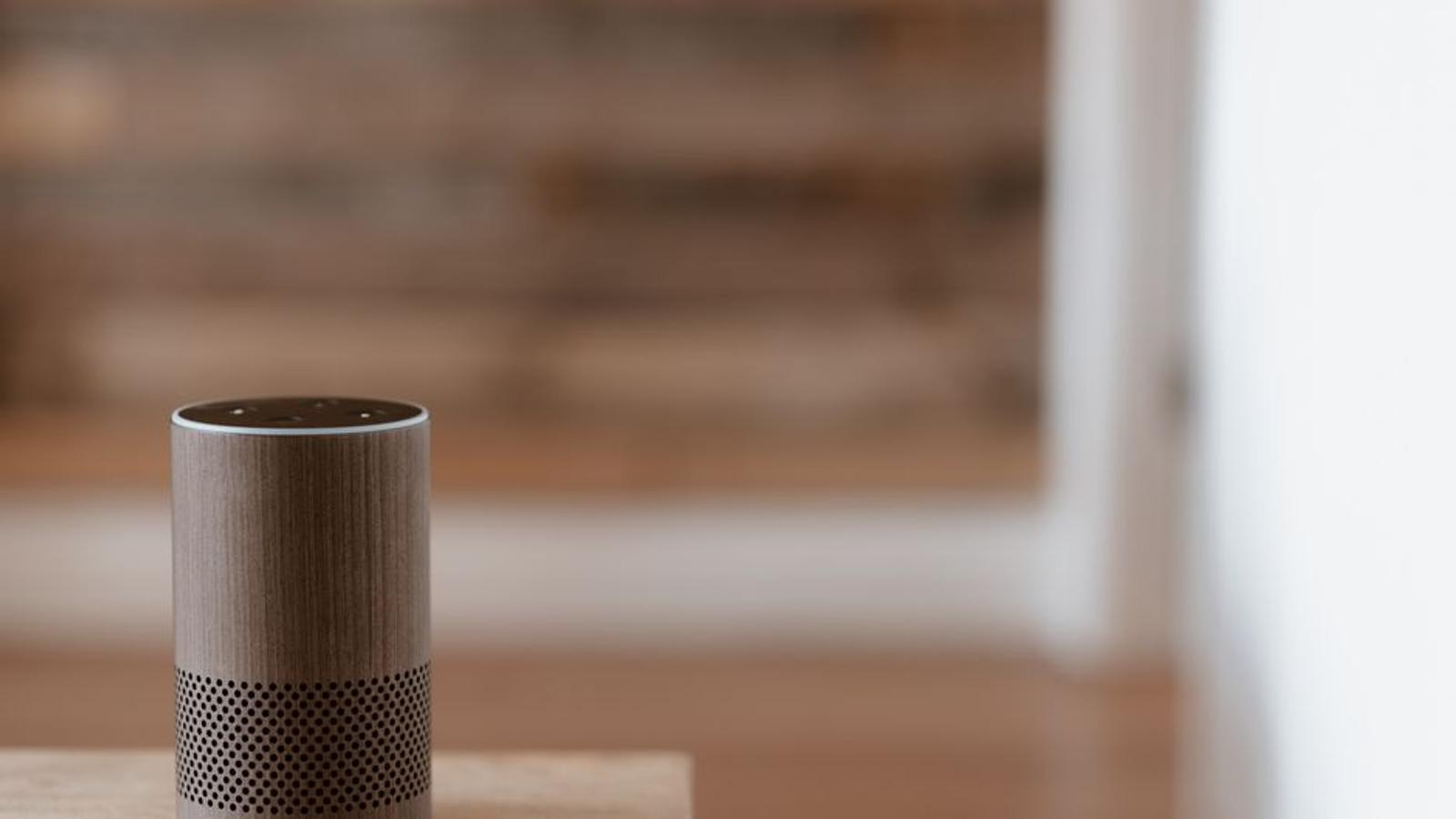
With more than 600 million Alexa-enabled devices deployed in residences worldwide, Amazon has established an unprecedented footprint across modern living spaces. From standalone Echo speakers to smart displays and newly integrated tablets, these voice-activated endpoints maintain an active presence throughout daily life. The arrival of next-generation features such as Alexa+ reflects Amazon's ongoing ambition to deepen the role of conversational artificial intelligence in ordinary routines.
Yet the omnipresence of smart microphones in bedrooms, kitchens, and shared family rooms has continually stoked consumer anxiety. Many owners worry that their devices serve as covert monitoring instruments, gathering private conversations to serve targeted advertising or build extensive user dossiers. Addressing these persistent privacy concerns requires a clear understanding of the technical architecture governing voice recognition hardware.
How Wake Word Detection Actually Operates
Contrary to widespread assumptions, an Amazon Alexa device is not continuously recording and streaming every room sound to remote data centers. The hardware instead relies on an isolated, local process known as acoustic pattern recognition. Under this operational mode, onboard microphones continuously analyze incoming sound waves exclusively to identify specific phonetic profiles, such as the default wake word "Alexa."
This early-stage monitoring is carried out by low-power processing components located directly on the physical unit. The audio captured during this continuous monitoring phase is trapped in a transient, circular memory buffer that overwrites itself every few seconds. No verbatim transcripts or ambient background conversations are packaged, cataloged, or forwarded outside the local device until that defined acoustic trigger is detected.
Only after the specialized algorithm matches the acoustic signature of the wake word does the unit alter its internal state. At that precise juncture, the device opens an encrypted communication channel to Amazon's cloud servers, illuminating its visual indicator ring to notify occupants that an active transmission is underway. The audio stream that follows—containing the user's explicit request—is then uploaded to remote infrastructure for natural language processing and task fulfillment.
Physical Controls and the Microphone Mute State
For households seeking absolute certainty regarding their acoustic privacy, Amazon equips its Echo hardware with dedicated physical mute controls. Located along the top chassis of standard speakers, this button features an embossed icon of a microphone struck through with a diagonal line. Pressing this switch breaks the sensor circuit, preventing the hardware from receiving audio input.
When muted, the device provides an unmistakable visual confirmation by illuminating a steady red indicator ring or status light along its edge. This red glow confirms that power has been cut from the microphone array at the component level, terminating the local wake word detection system. The device cannot respond to verbal commands or analyze surrounding audio until the physical button is pressed again.
While this mechanical safeguard guarantees total listening disengagement, it naturally alters how the device functions within a smart home. Activating the mute function converts the Echo into a purely output-oriented speaker or passive display, requiring manual physical interaction whenever a homeowner desires voice assistance. For many users, this toggle offers peace of mind during sensitive business meetings, personal gatherings, or confidential phone calls.
Data Retention Settings in the Alexa Ecosystem
Every time a user activates Alexa, the subsequent voice recording and its corresponding text transcript are traditionally archived within the user's profile. Amazon maintains that retaining these interactions allows machine learning models to adapt to unique vocal cadences, regional accents, and household preferences. Over time, however, this accumulated repository can represent a comprehensive archive of private home inquiries.
Owners can inspect, adjust, and purge this digital trail by navigating to the Privacy section inside the official Alexa mobile app. Within the "Manage Your Alexa Data" menu, Amazon provides transparent toggles that dictate how long voice recordings and text transcriptions remain stored across corporate servers. Users have the flexibility to select retention terms that align with their personal privacy standards.
Currently, Amazon supports four distinct storage options for archived customer recordings. Users can instruct the system to retain voice data for a rolling period of three months, save records for 18 months, or keep recordings indefinitely until manually deleted. Alternatively, individuals who prioritize strict privacy can elect not to retain voice logs at all, ensuring interactions are discarded immediately following processing.
Voice-Activated Deletion and System Limitations
To simplify archive maintenance, Amazon introduced voice-activated deletion commands on its standard product line. Homeowners can verbally issue directions such as "Alexa, delete everything I said today" or "Alexa, delete what I just said" to scrub recent interactions without opening a smartphone application. This hands-free management makes basic record management far more accessible for the average consumer.
However, this verbal deletion utility is not universally supported across all Amazon software environments. Users operating systems equipped with Alexa+ or those running specialized Amazon Kids profiles cannot execute bulk deletions via spoken commands. In these configurations, privacy modifications and transcript removals must be completed manually through the parent dashboard or primary application interface.
This functional division means that families and early adopters of new conversational interfaces must exercise greater vigilance. Assuming that a single spoken phrase cleanses history logs across every household device can lead to a false sense of security. Verifying log status through manual app inspections remains the only definitive way to confirm data expungement on specialized profiles.
The Trade-Offs of Erasing Voice Profiles
While purging voice data limits digital footprints, doing so impacts the core user experience across the smart home ecosystem. Amazon relies on past recordings to construct an individualized acoustic model for each member of a household. This voice profile enables the assistant to distinguish between different speakers, provide personalized calendar updates, and recognize specific phrasing habits.
When a customer selects the setting to prevent recording retention—or routinely purges stored audio files—these customized models degrade. The device loses its historical baseline, which can lead to higher rates of misheard requests or failed wake word recognitions in loud rooms. Users must weigh the benefits of reduced data footprints against the convenience of a system that learns their speech patterns.
Furthermore, deleting cloud logs does not retroactively optimize privacy across every connected home component. When Alexa interfaces with third-party smart accessories, such as connected televisions, lighting bridges, or robotic vacuums, those partner platforms may maintain independent session histories according to their own corporate policies.
Third-Party Device Exposure and Cloud Isolation
Configuring the most restrictive privacy controls within the Amazon ecosystem only governs records stored on Amazon's proprietary servers. When an owner directs Alexa to operate a third-party appliance, the command data is passed through external application programming interfaces to execute the desired instruction. Consequently, peripheral hardware manufacturers may retain event logs detailing when doors were unlocked or when robotic vacuums ran cycles.
Purging an Amazon account does not automatically cascade into these external ecosystems or delete transactional metadata preserved by third-party smart home skills. Homeowners concerned with comprehensive data minimization must audit the privacy documentation and retention options for every auxiliary device connected to their home network. True isolation requires consistent privacy configurations across all smart home brands.
Understanding these distinct layers of data handling empowers consumers to make deliberate choices about their technology. Alexa devices are perpetually listening for an acoustic key, but they are not recording everyday domestic life until instructed to do so. By using physical mute buttons, selecting clear retention windows, and understanding third-party data flows, owners can balance voice automation with domestic privacy.
Frequently Asked Questions About Alexa Audio Retention and Privacy
What audio retention options does Amazon provide for Alexa recordings?
Within the Alexa app under Manage Your Alexa Data, Amazon provides four retention tiers for audio recordings and transcripts: three months, 18 months, until manually deleted, or not saved at all.
Choosing not to save recordings prevents historical logging, though it degrades Alexa's ability to maintain a personalized voice profile.
Can you delete Alexa voice recordings using voice commands?
Users can speak commands like 'Alexa, delete everything I said today' on standard Echo devices.
However, this voice deletion functionality is currently disabled on hardware running Amazon Kids or the newer Alexa+ assistant.
Does deleting Alexa history remove data from third-party smart home devices?
Purging stored voice data from the Alexa app only removes interaction logs from Amazon's cloud servers.
Third-party smart home hardware, such as robotic vacuums and connected smart TVs, may continue to retain their own logs of shared device actions.
How do you physically stop an Amazon Echo device from listening?
Amazon Echo hardware features a physical microphone mute button marked with a slashed microphone icon.
Pressing this control disconnects the microphone circuitry and illuminates an indicator ring in red to verify that listening is paused.
Related articles