How Strong Magnets Can Interfere With Your iPhone Camera
Strong magnets in phone accessories can disrupt your iPhone's optical image stabilization and autofocus. Learn how to diagnose interference and choose safe alternatives to keep your photos sharp.
· 8 min read
This article was generated with AI from the sources it names. Report an error
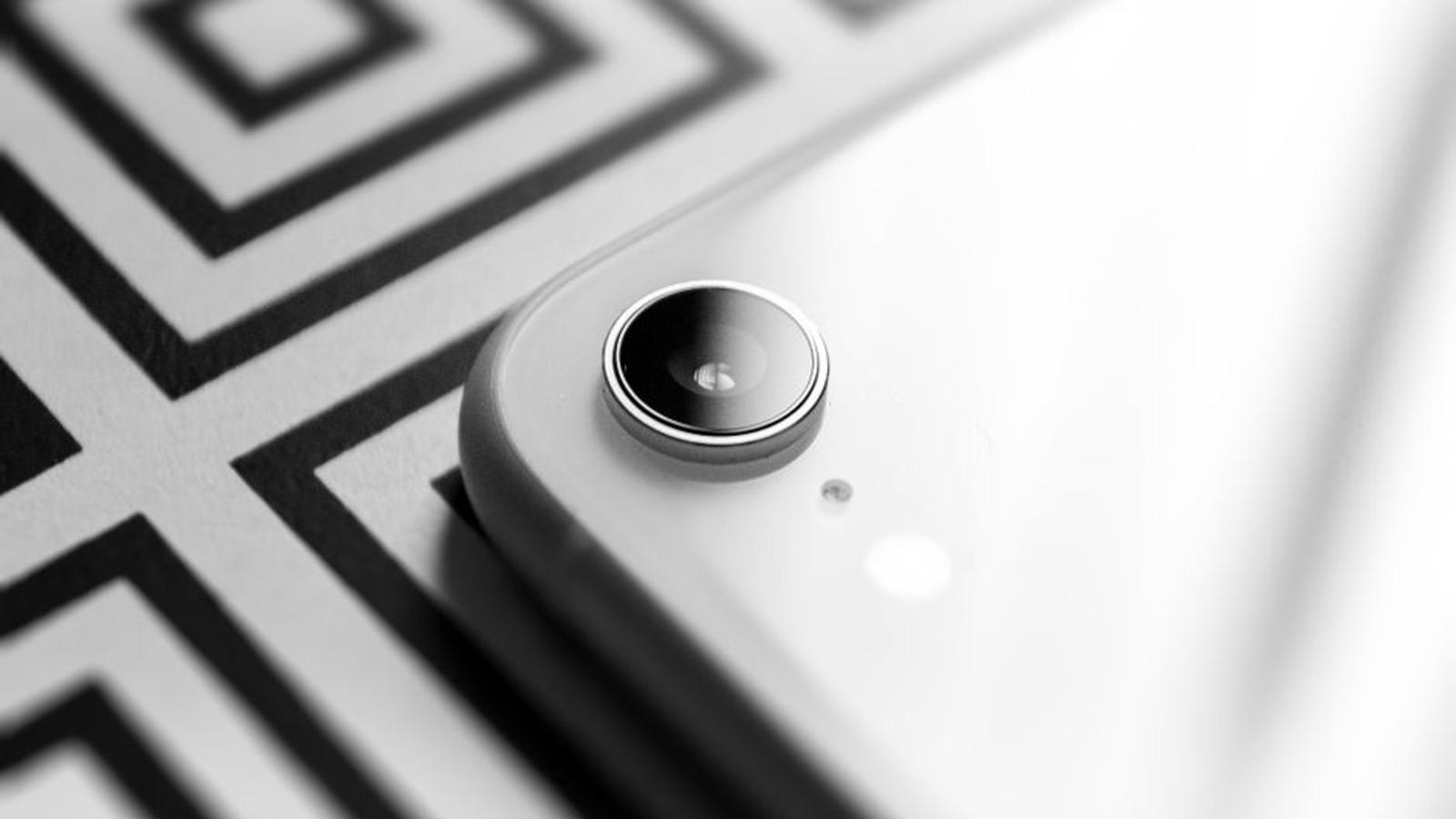
Understanding Magnetic Interference in Modern iPhone Cameras
Apple's recent flagship devices, including the iPhone 18 Pro and Pro Max introduced in late 2026, rely on exceptionally delicate physical hardware to produce crisp photography and smooth video. As Engadget has detailed in its mobile hardware analyses, modern iPhone camera modules house microscopic mechanical actuators and magnetic sensors engineered to combat handshake and sudden motion. When external magnetic accessories encroach upon this sensitive hardware, the resulting electromagnetic interference can rapidly degrade photographic performance.
Third-party accessories such as heavy-duty car dashboard mounts, magnetic desk stands, modular battery packs, and magnetic ring grips have proliferated throughout the smartphone ecosystem. While these gadgets provide everyday convenience, many incorporate dense neodymium magnets or magnetized metal plates positioned just centimeters away from the rear camera bump. When placed in close proximity, these strong magnetic fields bypass internal shielding and alter the delicate balance of the camera's internal positioning systems.
The Mechanics Behind OIS and Closed-Loop Autofocus
To capture clear stills and stable video in challenging lighting conditions, Apple employs Optical Image Stabilization (OIS) across its rear-facing camera lineup. OIS relies on internal gyroscopes that continuously measure phone movement in real time. The camera firmware then instructs tiny voice-coil actuators to physically shift the lens elements or image sensor in the opposite direction, offsetting hand tremors before light reaches the digital sensor.
Working in tandem with OIS is Apple's closed-loop autofocus (AF) architecture, designed to keep subjects in focus during rapid framing adjustments. Closed-loop AF employs onboard magnetic sensors and accelerometers to measure gravity and vibrational forces, establishing the lens's exact position relative to the subject. This instantaneous measurement loop allows the module to adjust focus rapidly for video capture, action shots, and panoramas without hunting back and forth.
Because these stabilization and focusing mechanisms depend on measuring minute magnetic and kinetic variations, their internal lens-positioning sensors are hypersensitive to stray magnetic fields. An external magnetic accessory introduces an overwhelming field that drowns out the subtle environmental signals the camera's sensors depend on. Consequently, the internal sensors miscalculate the physical position of the glass elements, throwing the control loop out of calibration.
Furthermore, strong external magnets can physically restrict the travel range of the floating lens array. The voice-coil motors rely on carefully calibrated magnetic fields to glide smoothly along micro-spring suspensions. When a powerful external magnet pulls on these elements, the motor might lack the necessary power to overcome the magnetic drag, pinning the lens off-center or immobilizing it altogether.
Recognizable Symptoms of Magnetic Disruption
When magnetic interference disrupts the rear camera array, the visual degradation is usually immediate and noticeable. The most common symptom is persistent image blur across photos taken in bright daylight, where shutter speeds are normally high enough to freeze motion. Even when the subject is completely stationary, photographs can look muddy because the lens cannot lock onto its correct focal plane.
Another frequent symptom is video jitter, often manifested as rapid, unnatural fluttering or micro-shaking in the recorded footage. This phenomenon occurs when the OIS actuator struggles against an external magnetic tug, oscillating violently as it attempts to recenter itself. Instead of steady, cinematic motion, panning shots develop an irritating vibration reminiscent of electrical feedback.
Users may also observe erratic focus hunting in the native Camera app. When pointing the phone at a subject, the focus reticle may repeatedly pulse or fail to lock, producing an entirely out-of-focus capture. In some instances, closed-loop AF stops adjusting dynamically, forcing the phone to fall back onto digital software estimation that yields soft edges and noisy details.
Under severe interference conditions, the operating system may detect an anomaly in the positioning sensors and temporarily shut down OIS or closed-loop feedback entirely. When this failsafe activates, the camera array can still snap photos, but it must rely strictly on standard fixed-lens parameters and electronic stabilization. As a result, low-light photographs lose substantial dynamic range, and handheld evening video becomes blurry.
Diagnostic Steps to Confirm Accessory Interference
If an iPhone begins exhibiting optical instability or focus hunting, diagnosing the issue does not require an immediate trip to a repair center. The most straightforward diagnostic procedure is isolating the physical hardware from any attached accessories. Users should begin by completely removing the protective case, detachable grips, magnetic card wallets, or adhesive mounting plates from the device.
Once the device is free from external attachments, launch the native Camera app in a well-lit room. Frame a high-contrast subject located roughly three to four feet away, tap the screen to lock focus, and observe the viewfinder for any noticeable jittering or hunting. Capture a short test photo and a ten-second video while slowly panning across the room to verify lens stability.
If the camera functions smoothly without any case or mounts attached, the diagnosis points directly to accessory-induced magnetic interference. Reattaching the accessory will typically trigger the jitter or focusing delay again within seconds. This real-time AB testing confirms that the camera module itself is undamaged and merely reacting to an intrusive external magnetic field.
In cases where removing the accessory does not immediately resolve the jitter, restart the iPhone to clear any temporary sensor fault flags stored in the system memory. Modern iOS releases monitor actuator status, and a system reboot prompts the camera firmware to recalibrate its physical sensors at startup. If the issue clears post-reboot with the accessory removed, the device has successfully restored normal operation.
Selecting Safe Accessories and Certified Alternatives
Preventing camera disruption requires careful evaluation of accessories before securing them to your smartphone. Apple maintains dedicated guidelines advising consumers against cases, car mounts, and latching folio covers that use strong, unshielded magnets in proximity to the rear camera housing. Folio cases with top-mounted magnetic clasps are particularly notorious, as their closure flaps frequently rest right against the camera island.
When shopping for mounting solutions and magnetic wallets, users should prioritize products officially certified under Apple's Made for iPhone (MFi) or Qi2 programs. Certified accessories undergo stringent engineering assessments to ensure their magnetic arrays match exact polarity and placement boundaries. These compliant designs direct magnetic flux toward designated attachment points while shielding the top edge of the phone where camera actuators reside.
For car dash and windshield mounts, mechanical cradle systems offer a completely risk-free alternative to magnetic plates. Spring-loaded or gravity-clamping mounts provide secure retention without generating electromagnetic fields near the handset. If magnetic mounting is essential, choose designs that align strictly with MagSafe rings placed in the center of the phone, well away from the upper camera plateau.
Consumers should also exercise caution when using third-party magnetic ring lights, camera cages, and bolt-on macro lenses. Some budget filmmaking accessories embed intense magnets around the lens perimeter to enable quick-swap filters. These localized magnetic fields sit directly on top of the OIS module and are virtually guaranteed to compromise focusing accuracy and stabilization during video recording.
Distinguishing Magnetic Interference From Permanent Physical Damage
Fortunately, standard magnetic interference does not typically cause permanent hardware damage to an iPhone camera module. The moment the intrusive magnetic field is removed from the phone's vicinity, the lens-position sensors generally return to normal calibration and operate as intended. The floating lens elements regain full range of motion, and closed-loop autofocus resumes precise tracking.
However, it is crucial to differentiate reversible magnetic disruption from mechanical damage caused by external vibrational hazards. As Engadget has previously covered, exposing an iPhone to high-amplitude, high-frequency vibrations—such as those generated by high-powered motorcycle chassis or industrial engines—can physically break the microscopic suspension wires supporting the OIS module. Such vibrational damage permanently destroys optical stabilization, requiring an authorized camera module replacement.
If a camera module exhibits severe lens rattling or perpetual distortion even after all magnetic accessories have been removed and the phone has been rebooted, physical mechanical failure is likely the culprit. In contrast, magnetic interference remains purely temporary in the vast majority of scenarios. By understanding how these sensitive optical sensors operate and selecting properly shielded accessories, iPhone users can maintain flawless image stabilization without sacrificing modern mounting convenience.
Frequently Asked Questions About Magnet Interference on iPhone Cameras
Can strong magnets permanently damage an iPhone camera?
Engadget notes strong magnets temporarily disrupt lens-position sensors rather than causing permanent hardware failure. Once you remove the magnetic accessory, optical image stabilization and autofocus sensors return to their normal calibration and function properly.
What symptoms indicate magnet interference on iPhone cameras?
According to Apple support documentation analyzed by Engadget, interference typically presents as blurry images, camera jitter, or degraded autofocus tracking. Magnetic fields restrict physical lens movement and misalign closed-loop sensors.
How do you test if an accessory is interfering with focus?
To diagnose interference, remove third-party magnetic cases, mounts, or grips, then take test photos in varying light. If optical stabilization and focus tracking normalize immediately without the accessory, the magnetic field was the culprit.
Which phone accessories are safe to use near iPhone cameras?
Engadget recommends using Apple-certified MagSafe products or non-magnetic mechanical mounts. Keep accessories with unshielded magnetic latches or heavy magnetized plates away from the rear camera module to prevent sensor disruptions.
Related articles